
The price is negotiable.
pasal.biz carries the haggle culture of local markets into the app. Propose a price on supported items. The shopkeeper accepts, rejects, or counters. Both sides see the live state.
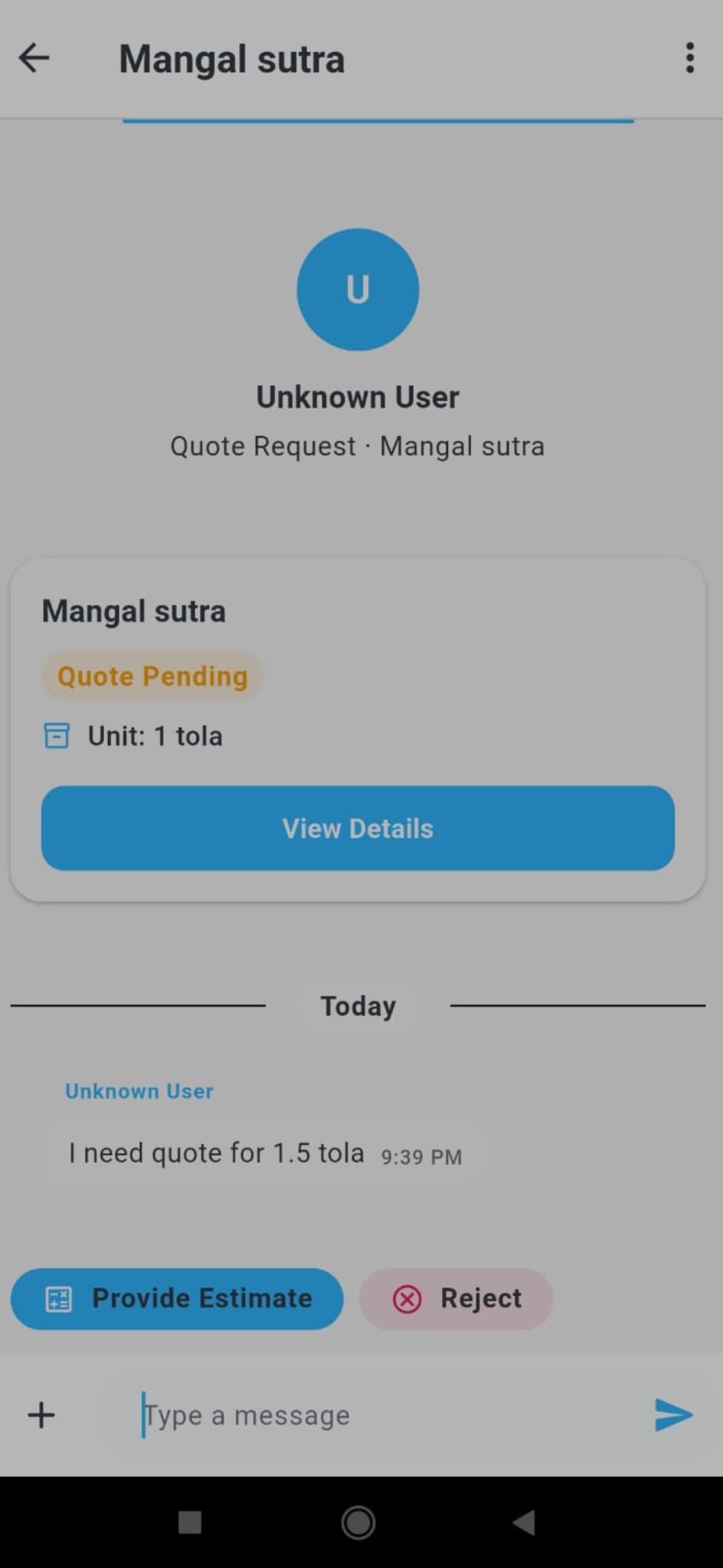
How a customer makes an offer
On any product where the shopkeeper has enabled offers, you'll see a "Make an offer" button next to "Add to cart." Tap it, type your price, and send. The shopkeeper gets it instantly.
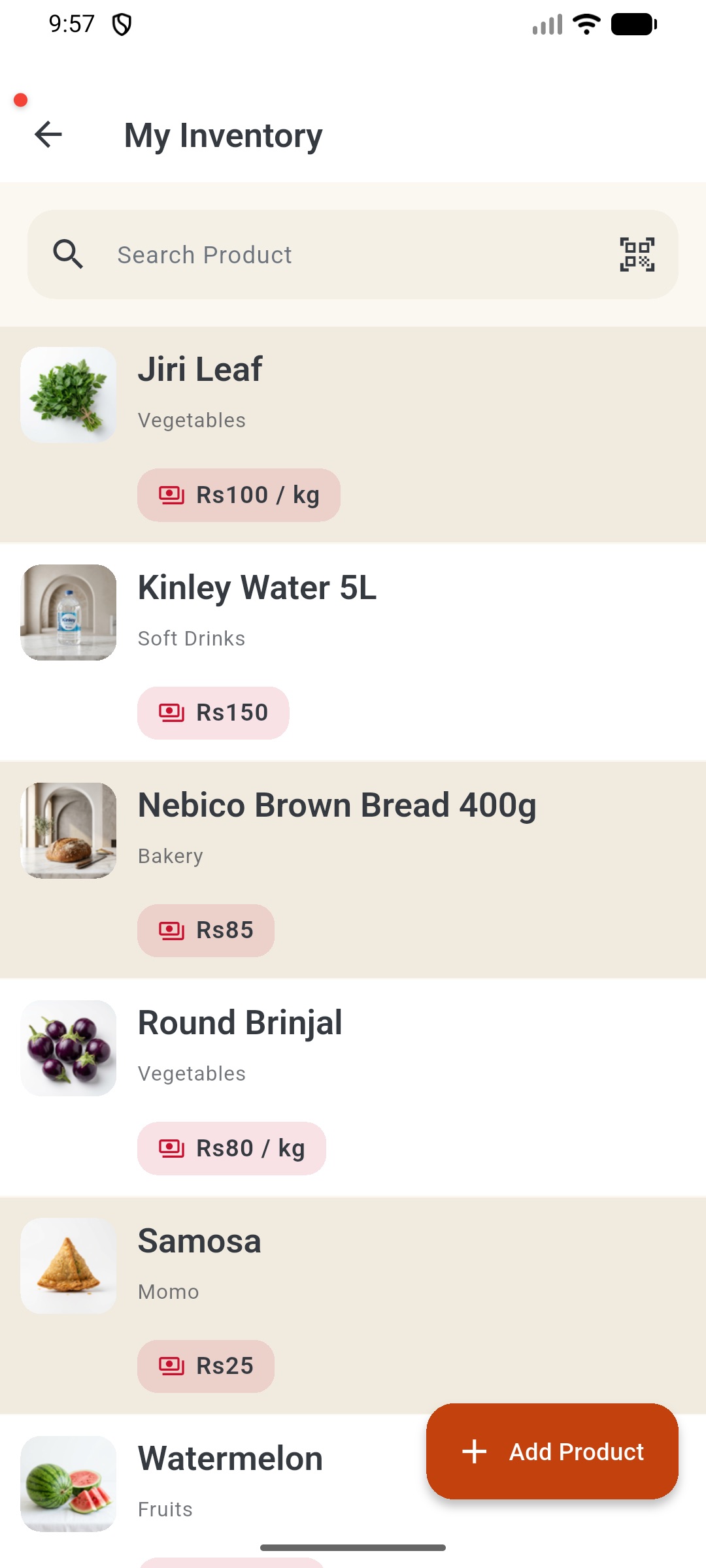
How a shopkeeper responds
Inside the app, every offer is in your inbox. Three buttons: Accept (your sale price drops to the offer), Reject, or Counter with your own number. The customer sees your reply right away.
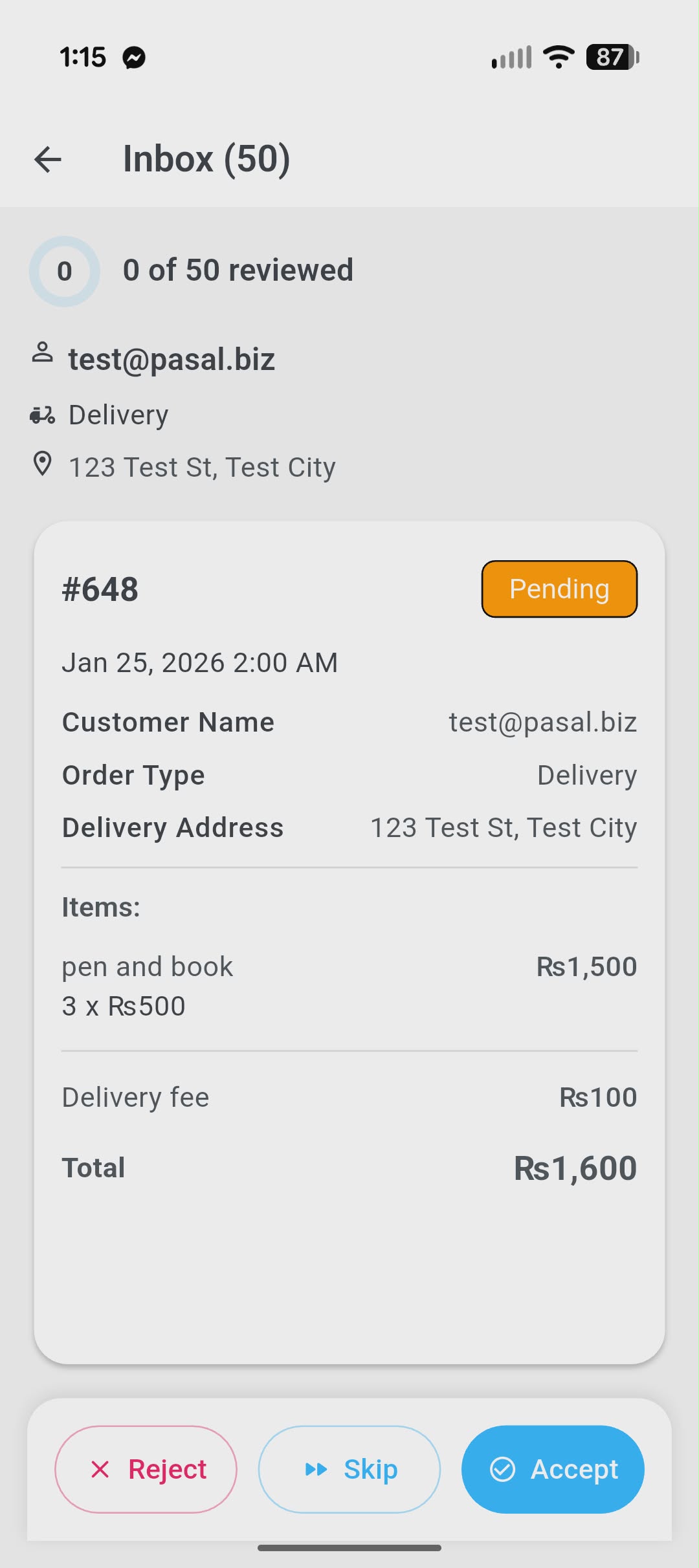
Atomic — accepted offer becomes a real order
When an offer is accepted, the consumption and order creation happen in a single Firestore transaction. There is no race where two customers can claim the same one-off offer, and no path where money changes but the order isn't created.
The offer state machine: PENDING → ACCEPTED | REJECTED | REVOKED | EXPIRED. All terminal. Order state machine: PENDING → ACCEPTED|REJECTED|CANCELLED → READY_FOR_PICKUP|OUT_FOR_DELIVERY → COMPLETED. Both move forward only.